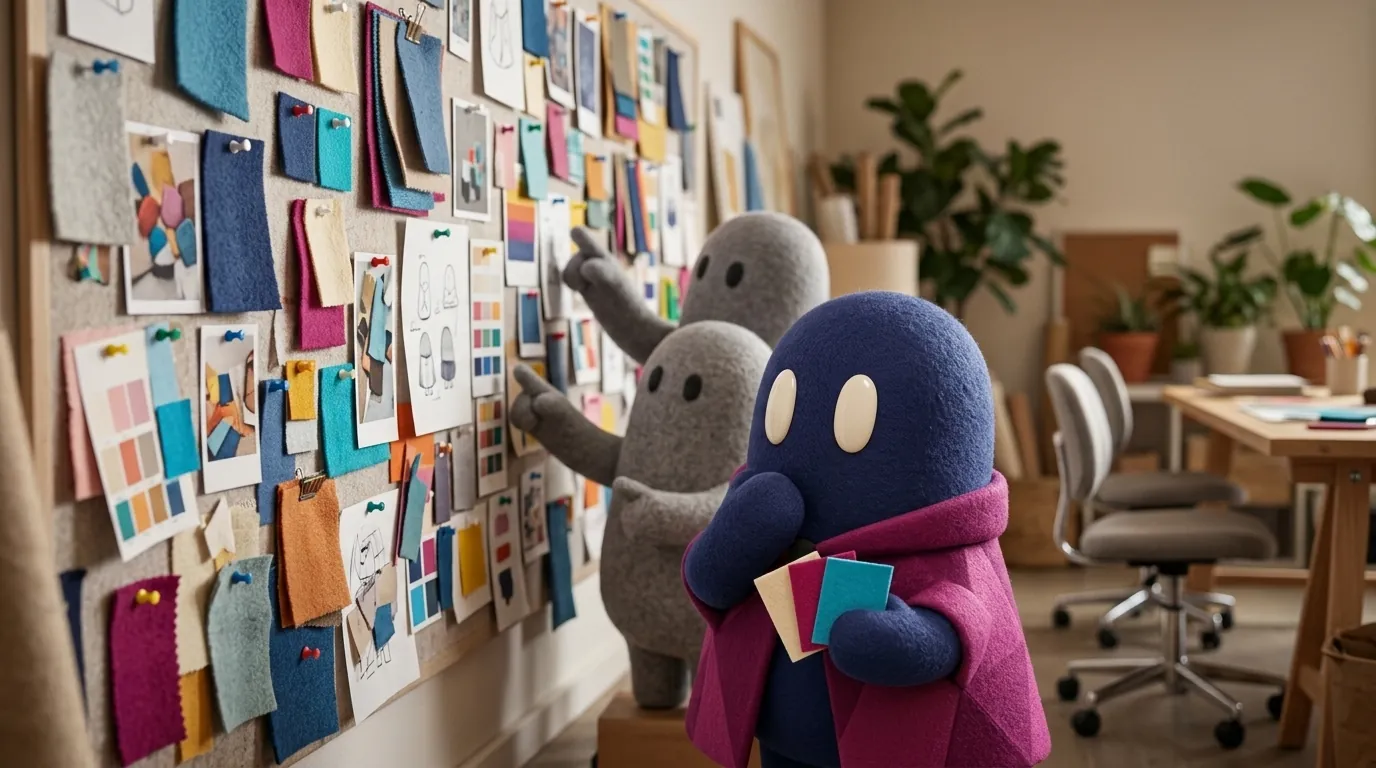
AI Moodboards: Visual Direction Without Deciding for the Team
A moodboard sets the visual direction. With AI you can generate many options, but every image must be justified and the judgment still belongs to the team.
What does a moodboard do in a design process?
A moodboard turns vague words into concrete decisions. “Trustworthy,” “friendly” or “premium” mean different things to each person. Placing them next to images, colors and typefaces lets the team and the client see the same direction.
According to Wiredcraft, it is worth making one when starting a product from scratch, revamping an existing one or rebranding, and it helps align creative direction during design sprints. Its method starts from keywords: three to five for each of five areas (industry, brand, product positioning, user research and market research). Then you review what the brand already has (brand book, typefaces, colors, icons) and collect references from sites such as Pinterest, Dribbble, Behance or Awwwards. With feedback, the board is narrowed to a few critical keywords, from which the styles for color, typography, photography and layout follow.
Acumba Mail summarizes its uses as five: inspiration, visual communication, consistency, decision-making and saving time. Dribbble recommends starting from words that describe the brand’s values and the emotions people should feel when using the product. A board can include palettes, typefaces, imagery and graphic elements, but it doesn’t need finished pieces: its job is to show direction.
What changes when AI generates the images?
Generating images with AI is fast, and that carries a risk: the board fills with attractive images nobody can justify. According to Wiredcraft, a moodboard should trigger the intended emotions or serve a purpose, and each image needs a reason to be there, so every choice can be explained. If it doesn’t, revise it.
The rule for using AI is simple: every image must answer a concrete keyword. If a generated image can’t explain “friendly,” it doesn’t go in, however good it looks. This forces you to write the intent before generating. Wiredcraft adds that an abstract word such as “sustainable” needs several visual interpretations, not a single image.
A practical flow:
- Define a few keywords for the project and write, for each one, what it means in visual terms.
- Generate several images per keyword with the same style reference (see consistent AI illustrations) and mix them with real references you already have.
- Choose one per keyword and write a note with the reason. Acumba Mail includes this step among its own: adding notes that explain why each element was chosen.
- Extract palette and typefaces from what you chose. If a palette comes from a generated image, check text contrast before moving it into the project’s design tokens.
- Present it, collect feedback and update the board when the direction changes.
Which tools can you build it in?
The board doesn’t depend on AI, but on where you build and share it. According to their official pages (consulted on November 4, 2026):
- FigJam: Figma describes it as an online collaboration tool for brainstorming and organizing ideas, with digital whiteboards, sticky notes and the ability to import images. The page doesn’t mention moodboards, but those pieces let you build one.
- Milanote: its moodboard guide proposes setting the direction, collecting material, adding imagery and color, going from messy to organized, explaining your thinking and asking for feedback. It lets you upload files, search free photos in a built-in library, save images from other sites with a browser extension, share the board and comment.
- Pinterest: its help center says private boards can only be seen by you and the people you invite.
Acumba Mail also lists Sketch, Adobe InDesign, Canva and Adobe Express, and notes the board can be physical or digital. Pick the one your team already uses: what matters is being able to write the note for each image.
When does the moodboard become a problem?
When it looks too polished. Dribbble warns that a board with a final look gives the impression that everything included is the final version, and that non-designers may become attached to elements that are later cut. A moodboard should open a conversation about the visuals, not ask for approval; if it looks finished, the client may hold back concerns that surface later. Sometimes less is more.
It’s also a problem when the board goes stale: if the design drifts from the original direction, the board stops being an agreement and becomes an old document.
And when a generated image resembles something that belongs to someone else. Before presenting the board outside the team, check that it doesn’t reproduce logos, identifiable people or the recognizable style of a specific brand or artist.
What about copyright?
A moodboard is usually internal, but if you share it, it helps to know where each right sits. The U.S. Copyright Office published Part 2 of its report on copyright and AI in January 2025. Its relevant conclusions:
- Purely AI-generated material, or material with insufficient human control over the expressive elements, is not protected by copyright.
- With current technology, prompts alone do not provide sufficient control.
- Human authors do hold copyright in their original expression perceptible in the output, in the creative selection, coordination or arrangement of material, and in creative modifications.
For a moodboard, the practical reading is this: by that standard, a prompt alone is not enough to claim copyright in each loose image, while your creative selection and arrangement of material could be protected, case by case. The report covers the United States; other countries have their own rules. And the references you collect from Pinterest or other sites still belong to their authors: use them as internal inspiration and, if the board leaves the team, check with legal. More detail in image generation for design.
Example
Illustrative example: a team designs a mental health app and needs a direction that feels “warm and unhurried.” They write their keywords, generate four images for each and discard most because they suggest a hospital or a luxury store. The board ends up like this:
| Keyword | What it means visually | Chosen image | Why |
|---|---|---|---|
| Warm | Morning light, sand tones | Window with side light | Conveys calm; the white light was dropped because it looked clinical |
| Unhurried | Paper textures, lots of space | Open notebook | Suggests a slow, personal rhythm |
| Close | Muted green, soft shapes | Plant in a clay pot | Avoids a corporate tone |
When the client asks for something “more cheerful,” the team doesn’t regenerate blindly: they check which keyword changes and update only that row.
Common mistakes
- Generating dozens of images without keywords and asking the client to choose among them.
- Presenting the board as if it were the final design.
- Including images without explaining why they are there.
- Using a generated palette that fails text contrast.
- Leaving the board unupdated after the direction changes.
- Assuming a generated image is yours or that other people’s references can be published.
When should you not use it?
When the project depends on an identity that already exists and the task is to apply it rather than explore. Also when the client needs to see real photography of the product or the team. An AI moodboard is a good starting point, but it doesn’t replace user research or brand references.
Sources
- Wiredcraft, Mood board, a tool or a trick?
- Dribbble Content Hub, How To Create Moodboards That Guide Your Design Projects
- Acumba Mail, Moodboards: What Are They, What Are They For, and How Are They Made?
- Milanote, Make beautiful, shareable mood boards in minutes
- Figma, Guide to FigJam
- Pinterest Help, private boards
- U.S. Copyright Office, Copyright and Artificial Intelligence, Part 2: Copyrightability (PDF)