Anthropomorphism: when AI should not seem human
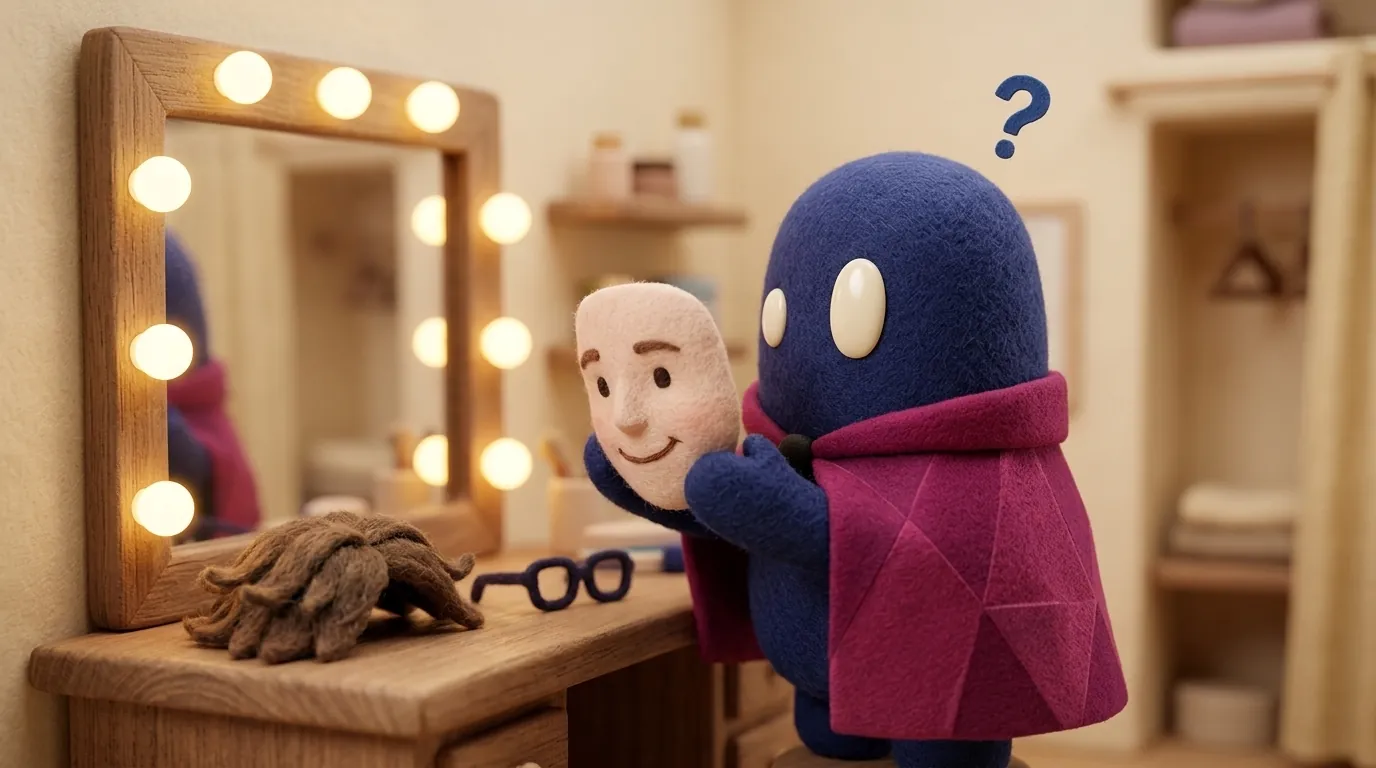
Anthropomorphizing AI means giving it human traits. It helps in some contexts and creates misplaced trust in others. How to decide how human it should sound.
Which traits make an AI seem human?
It does not take a realistic face. A few signals in the conversation are enough: greeting with a name, saying “I think” or “I like”, apologizing with feeling, using courtesy formulas on every turn, or speaking in the first person about its feelings. Response rhythm matters too: an answer that appears as if someone were typing feels more human than a block that appears all at once.
A 2025 study on this question, with two experiments and about 3,500 people in ten countries, measured which signals users rely on to judge how human a chatbot is. The answer was conversational flow, response speed and the ability to take the other’s perspective. The machine’s consciousness or sensitivity mattered little (Schimmelpfennig et al., arXiv:2512.17898).
Why does it matter to a designer?
Because a human trait changes expectations. If the system seems to understand, the person gives it more credit than it deserves. That is the core problem: misplaced trust.
The same study found that making the chatbot more humanlike did increase anthropomorphism in every country sampled, but did not consistently raise trust or engagement. The effect depended on cultural context: a design that helped in one country could reduce trust in another. The authors conclude that the risk does not lie in humanlike design itself, but in how it interacts with context.
Another 2025 paper looked at how this shows up in practice. Takuya Maeda tested four chatbots with an interview-style guide and role-play prompts, and found that anthropomorphism appeared mainly as subjective language (“I think”, “I feel”) and a sympathetic tone. When the user’s prompt included socio-emotional cues, the model used more humanlike expressions (Maeda, arXiv:2502.16345). For design, the lesson is practical: these traits are not an accident, they are behavior you can review and decide on, task by task.
When is a human tone appropriate?
It depends on the risk and the goal. A practical rule of thumb (an editorial criterion, not a standard):
| Context | Recommended tone | Why |
|---|---|---|
| Game or fiction | Assumed character | The user knows it is fiction |
| Low-risk shopping or recommendations | Friendly, named product voice | Helps the conversation without promising more than it does |
| Health, finance, legal | Neutral, with sources and explicit limits | The cost of misplaced trust is high |
| Emotional support | Careful, with a reminder that it is not therapy | Prevents it from replacing a person |
The point is not that the AI should be cold. It is that its tone should not lead the user to believe false things about what it knows, remembers or feels.
What should the interface do?
- Label the AI as AI. A proper name is fine, but the label “AI assistant” should always be visible.
- Avoid claims about inner states. “I understand you’re worried” is an inference; “I can’t see your purchase history” is a useful limit.
- Limit emotional apologies. “Sorry, I got that wrong” works. A chain of heartfelt apologies adds nothing.
- Say what it cannot do. A clear limit reduces misplaced trust more than an empathetic tone does.
- Match the tone to the task’s context. What works in a recipe app can be a mistake in an insurance app.
Example
Illustrative example: an insurer’s assistant answers questions about policies. The first version says “I completely understand, I know how stressful this is” and, when asked about a refund, replies “I think it’s already approved” without checking the system. In the second version, the assistant greets without faking emotion, states that it is an automated assistant, says “I can’t see the status of your claim; you can check it in the claims area”, and offers to transfer the user to a person. The tone is cooler, but the user knows what to expect from the system.
How to apply it tomorrow
- Review every sentence your assistant writes and ask whether it describes an inner state it does not have: feelings, memory, understanding. If it does, rewrite it as visible behavior.
- Decide the tone level by context with a one-page table, like the one in this article, and share it with whoever writes the interface copy.
- Write a fixed sentence that says what the system is and what it cannot do, and place it where the user sees it before relying on an answer.
- Test both tones with five people from the target audience and ask which one felt more trustworthy and why.
The control question is simple: could the user make a wrong decision because they believed the assistant knows or remembers something it does not?
This topic crosses with trust calibration and explainability in AI products: a human tone without an explanation leaves trust with no basis. To see how a chat screen is designed, read chat vs. structured UI.
Common mistakes
- Giving a human name, face and voice to a system used for high-stakes decisions.
- Having the AI say “I remember” or “I know you” when it only has a context window.
- Using simulated emotion to keep users around instead of solving their task.
- Confusing “warm” with “human”: you can be kind without pretending to be a person.
- Never making it clear that the user is talking to an AI.
- Designing the personality once and never revisiting it when the context of use changes.
Sources
- Schimmelpfennig, Díaz, Prabhakaran and Davani, “Humanlike AI Design Increases Anthropomorphism but Yields Divergent Outcomes on Engagement and Trust Globally” (arXiv, 2025): https://arxiv.org/abs/2512.17898
- Maeda, “Walkthrough of Anthropomorphic Features in AI Assistant Tools” (arXiv, 2025): https://arxiv.org/abs/2502.16345