Chat vs. structured UI: when to use each
Chat helps you discover what users want, and structured UI helps them get it done. How to choose between them in an AI product and when to combine both.
What is each one?
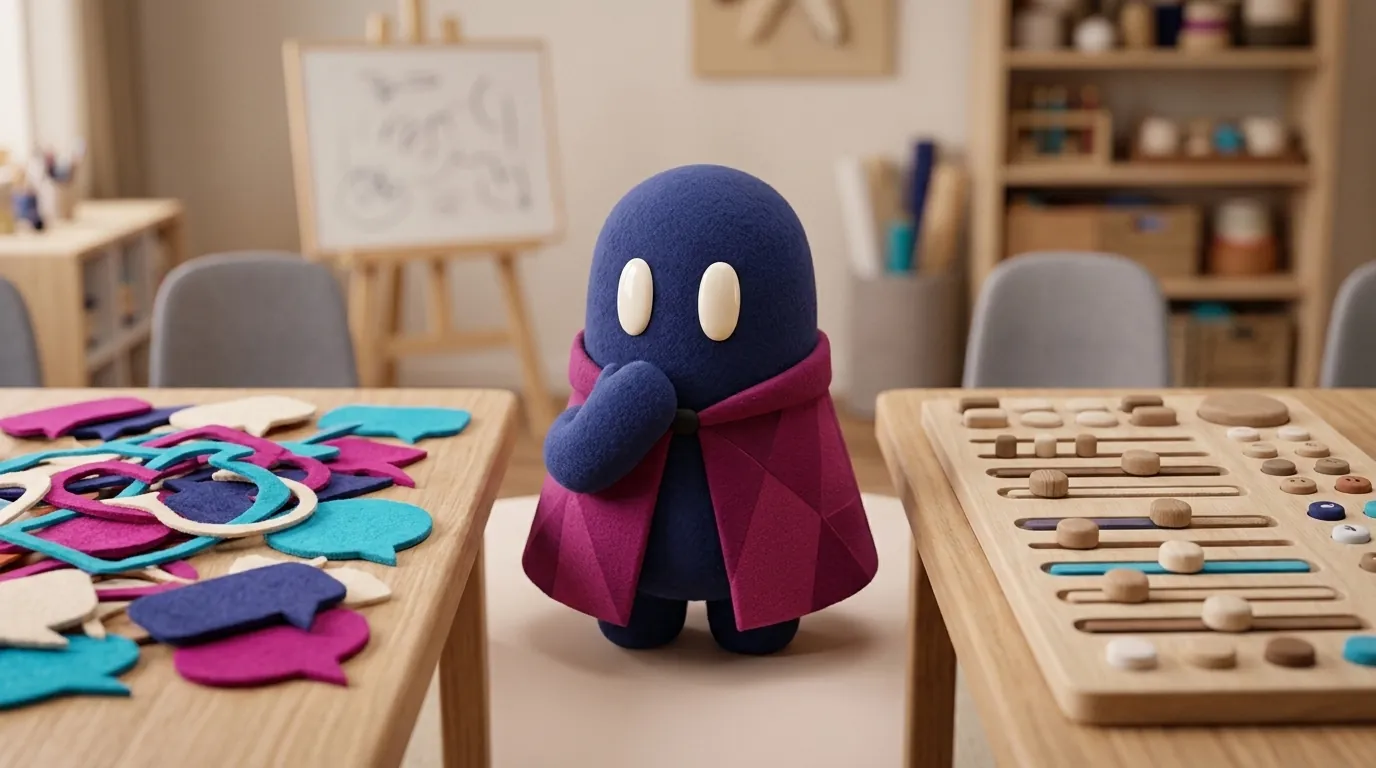
A chat is a conversation: the user types, the AI replies, and the history builds up on screen. A structured UI is an interface with predictable elements: selectors, date pickers, filters, cards with actions. Neither is better in general. Each solves a different kind of problem, and most AI products need both.
A practical test is to ask how clear the user’s intent is before they start. If it is vague, chat helps clarify it. If it is already clear, every conversational turn is an extra step. UXMagic’s guide sums it up this way: chat handles open-ended exploration, while structured components handle deterministic execution.
| Situation | Better option | Why |
|---|---|---|
| The user doesn’t know what to ask | Chat, with starter suggestions | They can explore, and the AI suggests paths |
| The task has a finite set of options | Structured UI | A picker is faster than describing a date in words |
| Frequent, repeated action | Structured UI | A visible shortcut is learned once |
| Results that need comparing or sorting | Structured UI | A table or list can be scanned; in a chat, answers get lost in the scroll |
| Real ambiguity that needs negotiating | Chat | Conversation helps settle the meaning |
Why does it matter to a designer?
Because the chat box looks universal, so it gets used as the default. But an empty text box does not tell users what the product can do. ParallelHQ calls this the blank canvas problem, and UXMagic notes that a text input with no visual hints creates cognitive friction.
Jakob Nielsen frames it as an articulation barrier: prompt-based interfaces require people to describe what they need in writing, and writing is harder than reading. His bet is that successful AI interfaces will be hybrid, because, in his words, GUIs “show people what can be done”. This is an expert’s opinion, not a lab result, but it matches what studies of bots observed.
That study is the Nielsen Norman Group research on chatbots, published in 2018 by Raluca Budiu with 8 participants. It covered rule-based bots, not today’s language models, so it helps you understand the pattern, not measure current products. The bots worked well while users stayed on script: ordering a pizza from Domino’s or getting an insurance quote from Progressive’s Flo. When users left the script, problems appeared. The Domino’s bot failed when a participant typed “townhome” instead of choosing house or apartment, and the Kia bot made another participant restart the whole decision tree after she answered “No” instead of tapping an option.
The same study found low discoverability. Most participants did not know that bots existed as a channel in Messenger, Twitter or Slack, and with WebMD’s bot it was unclear what it could answer. A visible control solves this better than any help text hidden somewhere. The study does not say chat is bad. It says a chat with unclear scope makes people guess.
How do you combine them without confusing people?
The most recommended pattern today is hybrid: chat for input and exploration, controls for execution. ParallelHQ puts it in a useful way: chat is good for discovery and weak for execution, so give users clear exits into the product, such as “Export to Task Board” or “Open in Composer”.
Practices that show up across the sources:
- Offer free text and tappable options at the same time. In the NN/g study, participants wanted both, and complained when a bot made them type a date that could have been a picker.
- Use starter chips. ParallelHQ proposes global suggestions (tied to the product’s core value), contextual ones (tied to the current screen) and historical ones (tied to past activity). More in chat empty state and prompt suggestions.
- Show data as components. If the result is a table or a chart, render it as one. NN/g recommends letting people sort and filter results, and notes that a carousel is a poor way to show a long list: Booking.com showed more than 80 hotels in one.
- Give clear exits. NN/g recommends being honest when the bot does not understand and offering a person, a phone number or another channel. See human handoff.
- Take care of keyboard and focus. According to UXMagic, chips and cards must be fully usable by keyboard, and focus should move somewhere sensible once a response with actions finishes arriving.
When NOT to use chat
- For one- or two-click actions. UXMagic warns that turning a two-click filter into a conversational turn is a common mistake, and that making people type full sentences to change a date range makes the task slower.
- For simple, predictable decisions. If the right answer is always one of three options, show the three options.
- When the user needs to compare. Comparing three flights in running text is harder than seeing them in aligned cards.
- When errors are expensive. This is a design judgment, not a study finding: a form with validation is often safer than a sentence the AI interprets its own way. If the action is also irreversible, add a visible confirmation step, as in action approval.
In these cases chat is not bad; it is in the wrong place. There is also an attention cost. An empty box requires remembering the system’s vocabulary and deciding what to ask. Hick’s law says more options lengthen the decision, and in an unguided chat the space of things you can ask looks unlimited.
Example
Illustrative example: a meeting room booking app. The user types in the chat: “I need a room for a 45-minute interview tomorrow afternoon”. The AI understands the intent and replies with three cards showing time, capacity and equipment for each room, each with a “Book” button. Below them, a duration picker lets the user change the 45 minutes to 30 or 60. Chat resolved the intent, and the controls handled the execution. If the user had to describe everything in text, the most obvious risk would be a misread time.
Common mistakes
- Putting a chat on every screen because “that’s what AI products use”.
- Leaving chat as the only way in, with no visible controls for frequent actions.
- Answering with a long text when the user needs to compare options.
- Not explaining what the person can ask the assistant.
- Measuring success only by time in the conversation. ParallelHQ warns that a long session can mean engagement or frustration, and suggests tracking prompt abandonment, regeneration rate and conversion to a concrete action. See AI product metrics.
- Hiding features behind an empty box, with no hints about the assistant’s scope.
Sources
- Nielsen Norman Group, Raluca Budiu, “The User Experience of Chatbots” (2018): https://www.nngroup.com/articles/chatbots/
- Jakob Nielsen, “The Articulation Barrier: Prompt-Driven AI UX Hurts Usability”: https://www.uxtigers.com/post/ai-articulation-barrier
- ParallelHQ, “UX Patterns for LLM and Chat Products: A Practical Guide”: https://www.parallelhq.com/blog/llm-chat-ux-patterns
- UXMagic, “AI Chat Interface Design: The Patterns That Prevent Abandonment” (blog of a design-tool vendor): https://uxmagic.ai/blog/ai-chat-interface-design-patterns