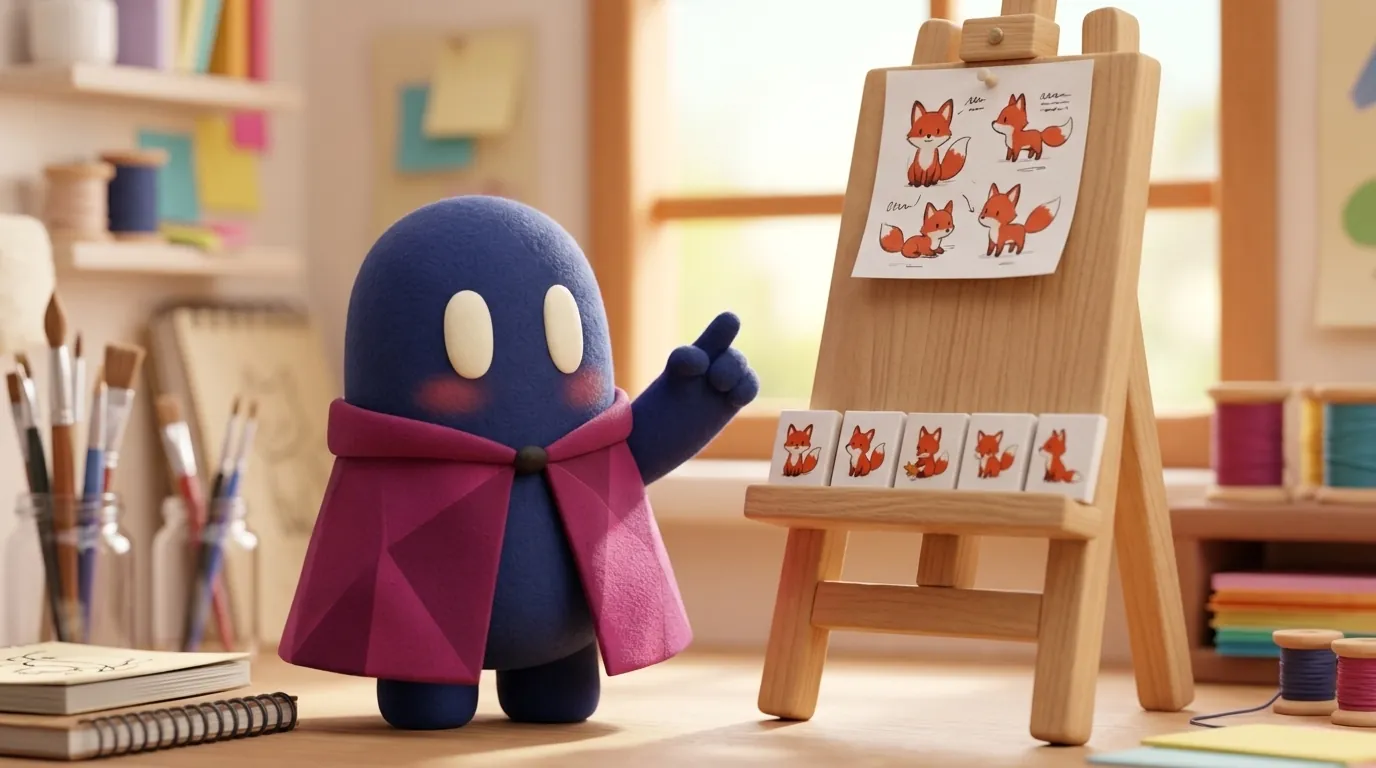
Consistent AI Illustrations: Same Style, Same Character
To make a series of AI-generated illustrations look like one artist made them, you need references, a written style guide and a review of the whole set.
Why is consistency hard?
An image model doesn’t draw like an illustrator who remembers their own stroke. It produces a new image each time, even with the same prompt. If you ask for “a woman smiling with a coffee cup” three times, you get three different women.
OpenAI’s image generation guide acknowledges this in its limitations section: although the model can produce consistent imagery, it may occasionally struggle to keep recurring characters or brand elements uniform across several generations. The fix isn’t a better prompt. It’s giving the model references and rules that don’t change.
Which tools help?
Current tools offer reference features, with different scopes:
- Character reference: Midjourney’s
--creftakes an image of a character and tries to keep its face, hair and clothing. According to a Weam guide, the weight (--cw, from 0 to 100) controls how much is kept: high values carry over face, hair and clothes; 0 mostly keeps the face. The same guide says it works best with characters made in Midjourney and is not designed for real people. - Version change:
--crefbelongs to V6. According to third-party guides, in V7 Midjourney replaced it with Omni Reference (--oref, with strength--ow), which also handles objects and creatures and is still experimental. We could not read the official documentation, so confirm there which parameter your version supports. More on the tool in Midjourney. - Style reference:
--srefaims to reproduce a visual style rather than a character. - Image editing: OpenAI’s image API can edit an existing image, generate a new one using other images as references, or change only one area with a mask. The mask is applied through the prompt: the model uses it as guidance and may not follow its exact shape.
None of these is a guarantee. The Weam guide warns that cref won’t copy exact dimples, freckles or t-shirt logos. Treat these features as a way to reduce variation, not eliminate it. For the broader picture of generating images in a project, see image generation for design.
How do you build a coherent series?
Work in three layers:
- A written style guide. One page with the decisions that don’t change (the next section details what to include). This guide goes with every prompt.
- Base characters and objects. Generate a reference character once, with good light and facing front, and save it. Every later image uses it as a reference.
- Set-level review. Look at the illustrations together, not one by one. What shows up in a series (a shoulder slightly higher, a color that drifts) disappears in an isolated image.
This works like a design system: fixed decisions, reusable components and documented exceptions. If you already have tokens for color and spacing, make the style guide use the same names. You can see how a system like this is thought through on the design system page.
What should the style guide say?
A useful guide fits on one page and leaves nothing to interpretation:
| Element | What to fix |
|---|---|
| Palette | Three to five hex colors, with their role (background, accent) |
| Line | Weight, and whether it has an outline |
| Light | Direction of the source and hardness of the shadows |
| Framing | Shot type (wide, medium, detail) and margins |
| Detail | How much background, which textures, whether there is shading |
| Character | Reference image, clothing and proportions |
| Forbidden | Text, logos, brand marks, hands in the foreground |
Write the rules as instructions, not wishes. “Black 2 px line, no shading” can be checked; “clean, modern style” cannot.
Example
Illustrative example: a team needs six illustrations for the onboarding of a finance app, with the same person in each step. They create a three-page guide (four-color palette, 2 px line without outline, light from the upper left). They generate the base person and save it. For each step, they write a prompt that follows the structure “fixed style + scene + allowed variations.” At the end, they review the six on one screen and redo the two that drift from the set.
A well-built prompt separates what doesn’t change from what does:
Style: black 2 px line, no shading, palette {blue #1F4E79, sand #F2E6D0, green #3A7D44}.
Character: the person from the reference, same clothes.
Scene: the person opens a notification on a phone.
Do not include: text, logos, detailed backgrounds.
How do you review the series before publishing?
Put all the images on one screen, at reduced size, and go through this list:
- Silhouette: does the character have the same height and proportions in all of them?
- Color: does the palette hold, or does a tone drift?
- Line and texture: are the weight and finish the same?
- Light: do the shadows fall on the same side?
- Delicate details: hands, fingers, small accessories and any text the model slipped in.
- Framing: does the camera distance make sense in the sequence?
Redo or retouch the images that fail instead of changing the whole guide for one exception. If the guide changes, regenerate the entire series so you don’t end up with two styles mixed together. Once the illustration sits inside a built interface, compare the result with the design following reviewing visual fidelity.
Common mistakes
- Generating each illustration in a separate session without saving the prompt or the reference.
- Switching tools or model versions in the middle of the series.
- Reviewing each image in isolation instead of the set.
- Letting the model write text inside the illustration: OpenAI’s guide admits it can still struggle with text placement and clarity. Text belongs in the interface, added afterward.
- Asking for details the model doesn’t control well (hands, fingers, small accessories) without retouching.
- Using a photo of a real person as a reference without permission.
When NOT to use it
When the brand depends on a highly recognizable stroke that only an illustrator can sustain, or when the series will grow for years and anyone on the team must be able to keep producing it. In those cases, a hand-drawn illustration with a well-documented style guide is more sustainable than an uncontrolled AI workflow.