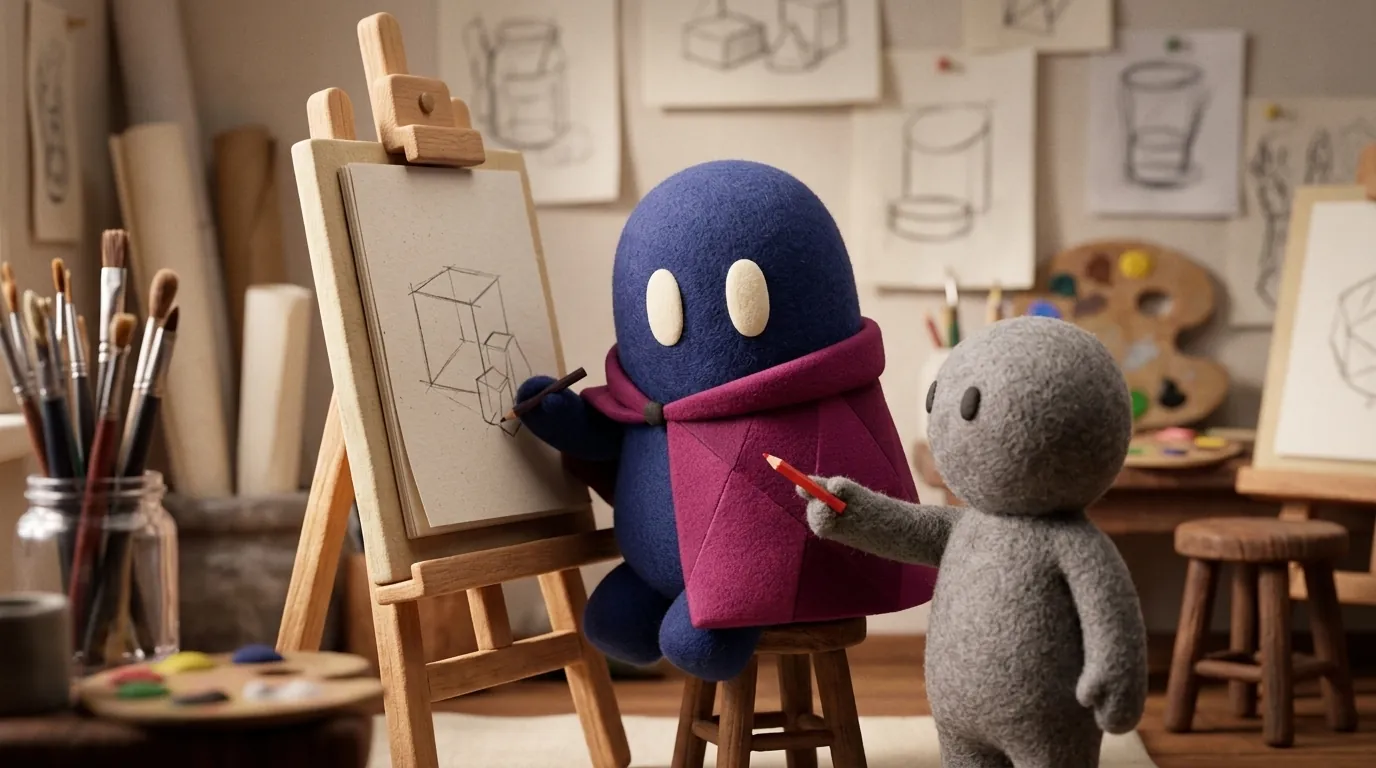
Learning Design with AI as a Tutor: How to Do It Without Losing Judgment
How to use AI as a design tutor without losing judgment: produce first, ask for critique and questions, verify each piece of advice and see what studies exist.
What does research say about AI tutors?
We found no studies that measure design learning with AI tutors. What exists comes from other fields, and it is best read as a hint, not as proof:
- A guided tutor can teach well. A Harvard randomized trial with 194 students in an introductory physics course compared a custom AI tutor with an active-learning class. The median post-test score was 4.5 with the tutor and 3.5 in class, and tutor students spent a median of 49 minutes, against 60 minutes of learning in the class. But the tutor walked each person through the problem step by step and used step-by-step solutions written in advance. The authors warn that it was a single course and that the results may not apply to tasks requiring complex synthesis or higher-order critical thinking.
- An unrestricted chat can hurt. A field experiment with almost a thousand high school math students gave them access to GPT-4 while practicing. Practice grades went up (48% with a standard chat, 127% with a tutor whose prompts were designed to protect learning). When access was removed, students from the standard chat scored 17% lower than those who never had it. Students from the tutor with safeguards largely avoided that drop.
- Confidence reduces checking. A survey by Microsoft Research and Carnegie Mellon of 319 knowledge workers found that higher confidence in generative AI is associated with less critical thinking, and higher self-confidence with more. These are self-reported answers from working people, not students.
- Learners do not want to be handed everything. In the participatory design of Google’s LearnLM-Tutor, three adults learning Python through an online course said they did not want the tutor to give away too much, because they felt pride in doing things themselves. It is a tiny, qualitative sample.
The practical takeaway is modest: how the tutor is designed and how you use it seem to matter more than whether you use AI at all.
How do you use AI without stopping learning?
An order that works:
- Produce first. Make your own version of the screen, the flow or the hypothesis before asking for help.
- Ask for critique, not replacement. Instead of “improve this”, ask: “What are three things in this screen that could confuse a first-time user?”
- Ask Socratic questions. “What would happen if the primary button were at the bottom?” forces you to reason. You can tell it from the start not to give the full solution and to guide you with hints.
- Check against a source. Compare each piece of advice with a known principle, such as Hick’s law or the design principles in the wiki. A plausible piece of advice can be wrong; see hallucinations.
- Note what changed your mind. If the AI convinced you of something, write down why. If you cannot explain it, you have not learned it yet.
What fundamentals should you have first?
Without them you cannot evaluate what it says. At least these:
- Visual hierarchy, contrast and spacing.
- User flows and error states.
- Basic accessibility: contrast, focus and alt text.
- Usability heuristics and how to run a simple test with users.
With that base, a plausible answer can be argued with. Without it, the answer looks right and you have no way to know. For the bigger picture of starting out, read being a junior designer in the AI era.
How do you set up a weekly routine?
A short routine works better than a long session that does not repeat. On Monday, take a flow you already know, such as the sign-up of an app you use every day, and redesign it by hand in twenty minutes. On Wednesday, bring that redesign to the AI and ask only for critique, with Socratic questions and no replacement proposals. On Friday, review which critique you accepted, which you discarded and why, and write a one-sentence lesson in your notebook.
After four weeks you will have a record of decisions you can show, and a way to check your judgment against the tool’s without depending on it to start.
How do you know you are really learning?
The high school experiment shows the symptom: performance with help went up and performance without it did not. Run that test on yourself. Take a piece of work you did with help, take it off the screen, and write from memory the three decisions that hold it up. If you cannot, redo it without AI, slowly, and compare. The gap between what you wrote and what you remember shows you what you still need to understand.
Another sign is being able to explain a decision without opening the tool. If the only thing that improves is the quality of your questions to the AI, you are learning to use the tool, not design.
Illustrative example
Illustrative example: a student redesigns a login screen. Before asking for help, she writes the problem she wants to solve and why she chose each field. Then she asks the AI: “Give me three questions a user in a hurry would ask about this screen, without proposing changes.” One question shows her that the password recovery link is hard to find. She checks it with a five-minute test with a real person and fixes it. The AI helped her phrase the question; the student did the checking.
When should you NOT use AI as a tutor?
When you are still learning the most basic fundamentals and need to practice observation without an intermediary, or when the tutor cannot verify what it says about your context. Also when the AI gives you the answer before you have tried the task: that is the unrestricted-chat pattern that hurt the math students.
Common mistakes
- Asking the AI for the full design “to see how it looks”.
- Accepting long, well-written answers without checking them.
- Asking for confirmation instead of critique.
- Learning terminology without practicing it.
- Using AI for everything and being unable to explain anything without it.
Sources
- Jurenka et al. (Google), Towards Responsible Development of Generative AI for Education: An Evaluation-Driven Approach (LearnLM-Tutor)
- Kestin et al., AI tutoring outperforms in-class active learning (Scientific Reports, 2025)
- Bastani et al., Generative AI without guardrails can harm learning: Evidence from high school mathematics (PNAS, 2025), record on IDEAS/RePEc
- Lee et al., The Impact of Generative AI on Critical Thinking (CHI 2025), Microsoft Research