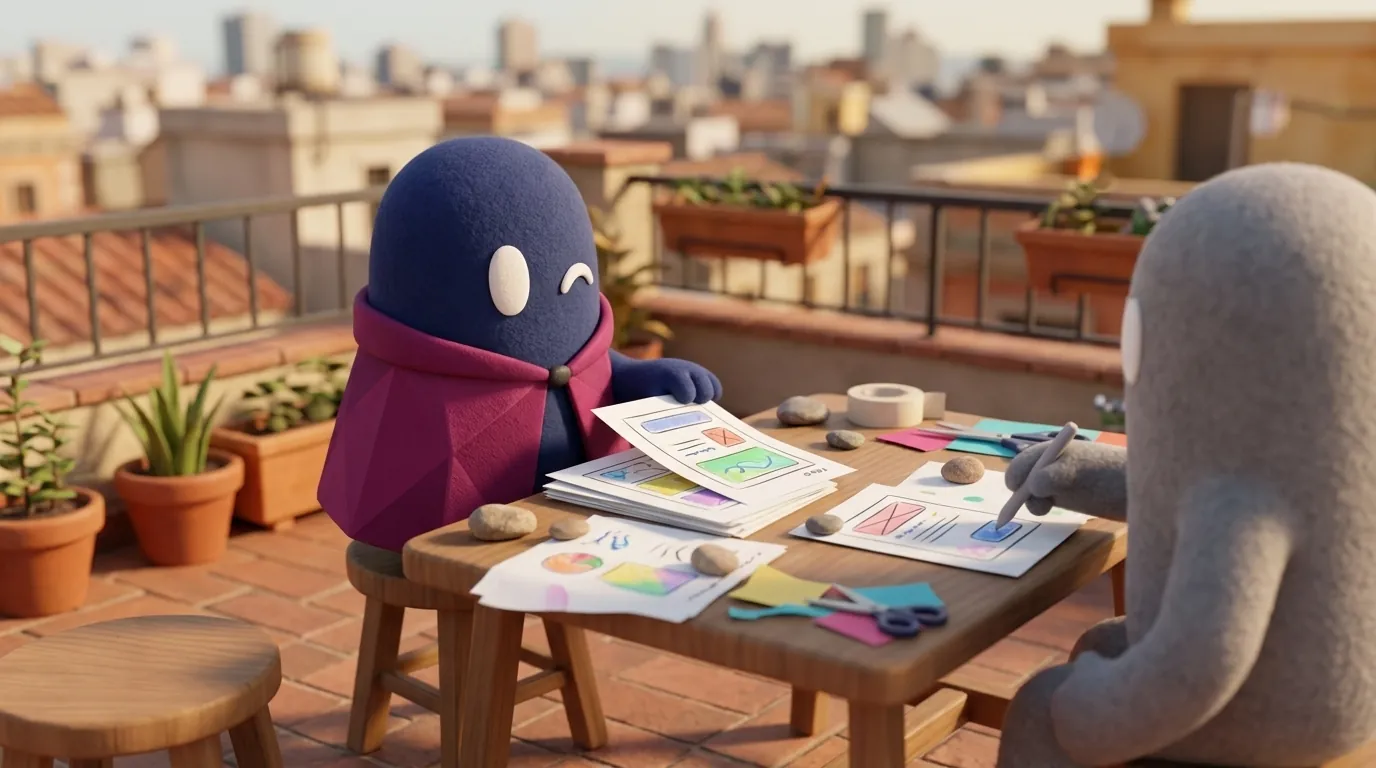
Paper prototyping: testing ideas with pencil and cardboard
Paper prototyping uses printed or hand-drawn sketches to test an interface before coding it. Learn how it works, what it finds, and where it falls short.
What is paper prototyping?
It is a low-fidelity prototype built from paper, index cards, markers, and tape. Each screen is a sheet, and buttons or fields are cutouts or drawings. When the participant taps something, the facilitator removes the current sheet and puts the next one in place.
In their 1996 study on usability problem identification, Virzi, Sokolov, and Karis simulated the screens and keyboard of an electronic book on index cards: participants pressed the paper keys and the experimenter swapped the card to show the response. Even moving a highlight from one item to the next was simulated by changing cards. The technique needs no code, no server, and no digital tool.
Why does it matter to a designer?
Because it lets you make mistakes cheaply. Changing a drawn screen takes seconds; changing a coded screen can take days. If an idea fails in a paper test, you learn it before the engineering team starts work.
It also forces you to think about content and sequence before visual details. That makes it useful for ideation and for validating the navigation of a new flow.
What materials do you need, and how do you run a session?
UXPin recommends blank printer paper (preferably not ruled), fine-tipped black markers and colored markers, sticky notes, scissors, tape, and index cards. That is enough for a first round.
A typical session works like this:
- Draw the states of the flow on separate sheets: the starting screen, each step, errors, and confirmation.
- Assign roles. One person introduces the task, another acts as the “computer” by swapping sheets, and someone takes notes.
- Rehearse first with a colleague. UXPin suggests rehearsing so the sheet changes are quick and consistent.
- Ask the participant to think aloud and not to narrate every gesture.
- Change what fails during the test and repeat with the next participant. This is a clear advantage of paper: the design evolves within the same session.
UXPin recommends blocks of 30 to 60 minutes and warns that longer sessions pay off less. It also advises recording the sessions.
What does it find, and what does it miss?
Virzi and colleagues ran two experiments with 20 participants each, split into two groups of 10 (low and high fidelity). In the first, an electronic book, 38 distinct problems were found: each high-fidelity participant found about 38% on average and each low-fidelity participant about 34%, a difference the authors do not consider significant. In the second, a voice-response system, they found 21 problems and again no significant difference. These are two specific products from 1996, so do not generalize without care.
MeasuringU brings that study together with other work and concludes that low-fidelity prototypes are reasonable, though not perfect, substitutes for finding major problems. They are worse predictors of task time and of aesthetic ratings: users may overestimate the appeal of the final product. A paper prototype also lacks the real interactivity of the finished product, so it can miss problems that only appear in real use.
What paper cannot simulate well:
| Aspect | Paper | Digital |
|---|---|---|
| Animations and transitions | Limited: the participant imagines the motion | Can be tested |
| Aesthetics and visual perception | Unreliable; users may overrate the design | More representative |
| Task times | Unreliable | More reliable |
| Remote testing | Hard: you must share photos or scans and track versions by hand | Simple |
| Finding navigation problems | Good | Good |
When should you NOT use paper?
Avoid paper when the question depends on animation, fine visual detail, response speed, or a complex interaction such as dragging several elements at once. Also avoid it if you need to measure times to compare versions, or if the team is distributed and cannot meet.
Do not use it to validate a standard pattern users already know, such as a login form. Paper adds little there, and you can spend the session on something more uncertain.
Example
Illustrative example: a designer wants to test whether users can find “Change plan” in a subscription app. She draws six sheets: home, account menu, plan list, plan details, confirmation, and a payment error. With five participants, she finds that almost everyone looks for the change on the payment screen, not in the menu. She moves the option that same afternoon, draws the new sheet, and repeats with two more people. The digital prototype comes later, with the navigation already validated.
Common mistakes
- Using paper to judge aesthetics, and concluding the design is good or bad from how it looks on a sheet.
- Not rehearsing the “computer” role, and losing the session to slow changes or misnumbered sheets.
- Asking leading questions instead of observing, which biases the test.
- Confusing the test with a demo, where the team explains what the screen “should” do.
- Not documenting changes, so nobody knows which version each person tested.
If you want to combine paper with earlier ideation, Wizard of Oz is another way to test before building. For the kind of test you run afterward, see usability testing, and for where prototypes fit in the cycle, the prototypes page. How Might We questions are a good starting point before you draw the first sheet.