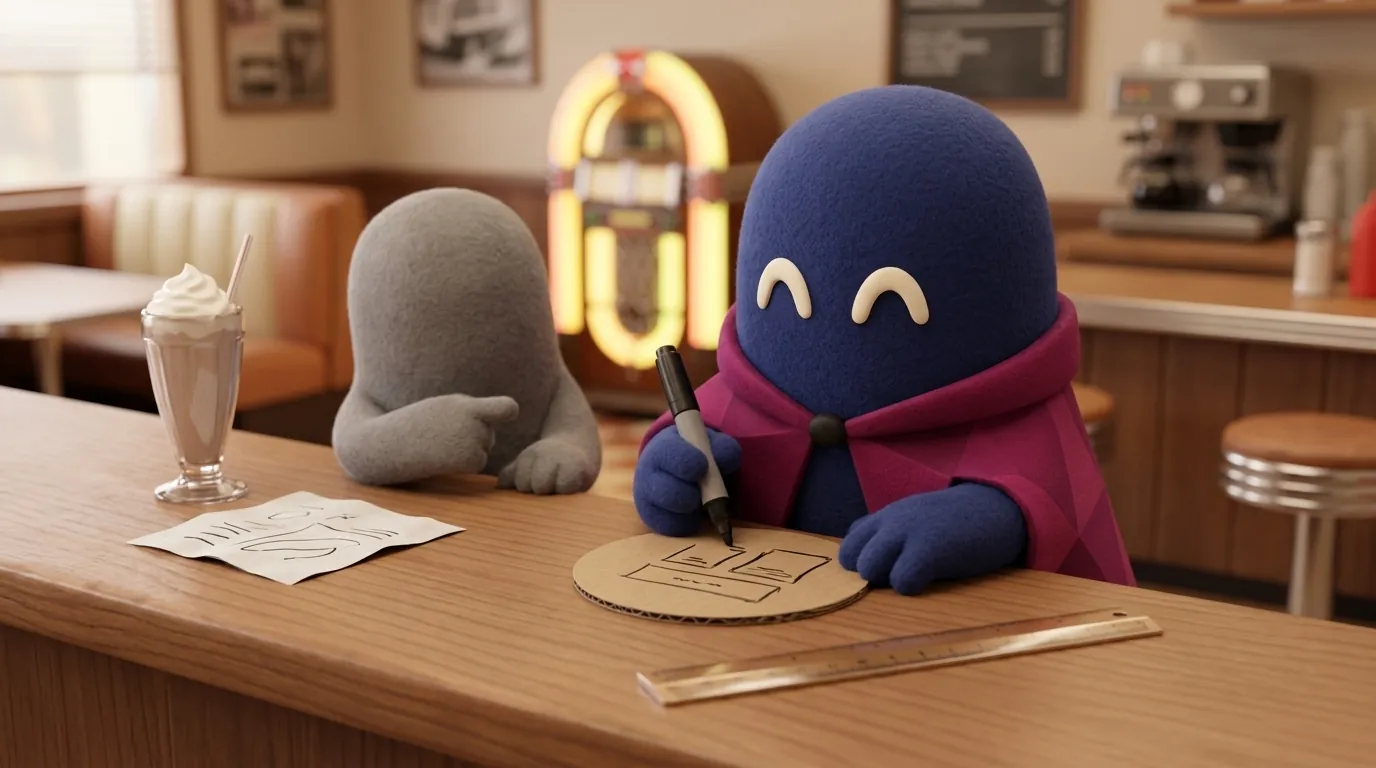
Balsamiq: Low-Fidelity Wireframes on Purpose
What Balsamiq is, why it draws on purpose in a rough style, what changed in 2026 with its desktop version, and when to use it instead of Figma.
What is Balsamiq and what is it for?
Balsamiq is a tool for drawing quick wireframes. Its official site talks about wireframes that are “intentionally low-fi” and about clickable prototypes. The style of its components looks hand-drawn, with no brand colors and no final typography.
It does what a well-made sketch does: it fixes the structure of a screen, the order of information, and the user’s path before you decide how it looks. It does not replace a visual design tool: on its site, Balsamiq says Figma is for polished UI and that it is built for the stage where you are still deciding what to build.
Why does a rough style help design?
Because it changes the conversation. When a screen looks finished, the team talks about colors, spacing, and copy. When it looks like a sketch, the team talks about whether the flow makes sense. Balsamiq sums it up on its site: with a low-fi wireframe the team debates the idea, not the pixels, and the prototype is real enough to test with users and rough enough to change your mind without throwing away code.
Nielsen Norman Group backs this with user research. In its article on low- and high-fidelity prototypes, Kara Pernice explains that, facing a prototype in a test, users feel the design is being tested and not them, so they are more likely to express negative reactions. Designers also change a rough design more readily, because they have invested less time and effort in it. Put simply: what looks incomplete invites criticism.
The same article puts it in a line worth remembering: ripping up code is very expensive, while ripping up a prototype is not. And Jakob Nielsen, in his article on paper prototyping, estimates that changes made before coding cost about 100 times less. That is the real value of low fidelity in the first weeks of a project.
What changed in 2026?
This is the first thing to know before choosing Balsamiq. The desktop version is being retired:
- From December 31, 2026, Balsamiq for desktop will no longer be sold.
- Support continues until December 31, 2027.
- According to the company, the decision reflects that most people now prefer cloud-based tools, especially when working in teams, and that it wants to focus on Balsamiq Cloud.
So if your team starts today, the sensible option is the cloud version. Its pricing page, checked on November 11, 2026, offers these plans per editor per month with annual billing, in US dollars:
| Plan | Price per editor per month | Projects | AI credits per editor per month |
|---|---|---|---|
| Starter | 16 USD | up to 10 | 500 |
| Teams | 24 USD | up to 100 | 1,000 |
| Enterprise | 35 USD | up to 400 | 2,500 |
Reviewers, who can view and comment but not edit, are unlimited on every plan. There is no free plan, only a 14-day trial with no card required. Prices can change, so confirm on the page before you budget.
Balsamiq’s wireframes page also mentions exporting or sharing to Notion, Jira, Slack, Claude, and Linear, and an MCP server that connects boards to Claude, ChatGPT, Cursor, and other MCP-compatible tools.
How do you use Balsamiq for ideation?
- Write the question before you draw. For example: “Does a new user understand what the product does before signing up?”
- Draw only the structure. Blocks, short text, buttons with their labels. No colors and no decorative icons.
- Make one screen per step of the flow. That way the team can reorder screens as if they were cards.
- Link the screens into a clickable prototype and ask someone to complete the task out loud. Note where they hesitate.
- Change the sketch after each session. If the sketch stops changing, the team starts defending it and stops learning.
This process resembles paper prototyping, but it is easy to share with a remote team.
When is low fidelity NOT the right choice?
Nielsen Norman Group also shows the limits of the approach. A high-fidelity prototype lets you test workflows, specific interface components, affordance, hierarchy, and type legibility, and low fidelity leaves less room to evaluate them. NN/g adds that fidelity varies across three dimensions (interactivity, visuals, and content), and that the right prototype depends on the test goals and how complete the design is.
If your questions are about appearance, legibility, or how the software behaves, move to a visual tool such as Figma. And within one session, keep the level of detail even: if some screens are polished and others are sketches, comments easily drift toward the visual.
Also check whether your team already uses FigJam for the overall flow: sometimes a screen map is enough and you do not need a wireframe for each screen.
Example
Illustrative example: a team wants to redesign the sign-up of a booking app.
- Week 1: it draws five low-detail screens in Balsamiq, covering the full flow.
- Session: four people complete the task while the team watches. Two get stuck at choosing a date.
- Change: the team reorders the flow and moves the date step to the end, in a new sketch, in under an hour.
- Week 3: it takes the validated flow into visual design in Figma, using the system’s components.
The value is in what did not happen: no colors or typography were designed for a screen that later changed order.
Common mistakes
- Drawing with visual detail and then complaining that the team talks about colors.
- Using Balsamiq to judge legibility or contrast, which need a more faithful prototype.
- Keeping sketches as if they were the final design, instead of changing them between sessions.
- Choosing the desktop version without checking its retirement schedule.
- Mixing polished screens and sketches in the same test session.
- Buying licenses without checking how many projects the plan includes.
Sources
- Balsamiq, Wireframes (checked November 11, 2026)
- Balsamiq, Pricing (checked November 11, 2026)
- Balsamiq, The future of Balsamiq for Desktop
- Nielsen Norman Group, Hi-Lo Fidelity Prototypes: Ripping Up Code Is Expensive
- Jakob Nielsen, Nielsen Norman Group, Paper Prototyping